Video tutorials
Trading and insights
Video tutorials are a great way to learn more about the tools and resources available at Lightspeed and learn advanced trading concepts.
Trading tutorials
There's nother better than getting better
Browse our video tutorials to improve your knowledge of trading to ensure you take advantage of all the trader resources and tools.

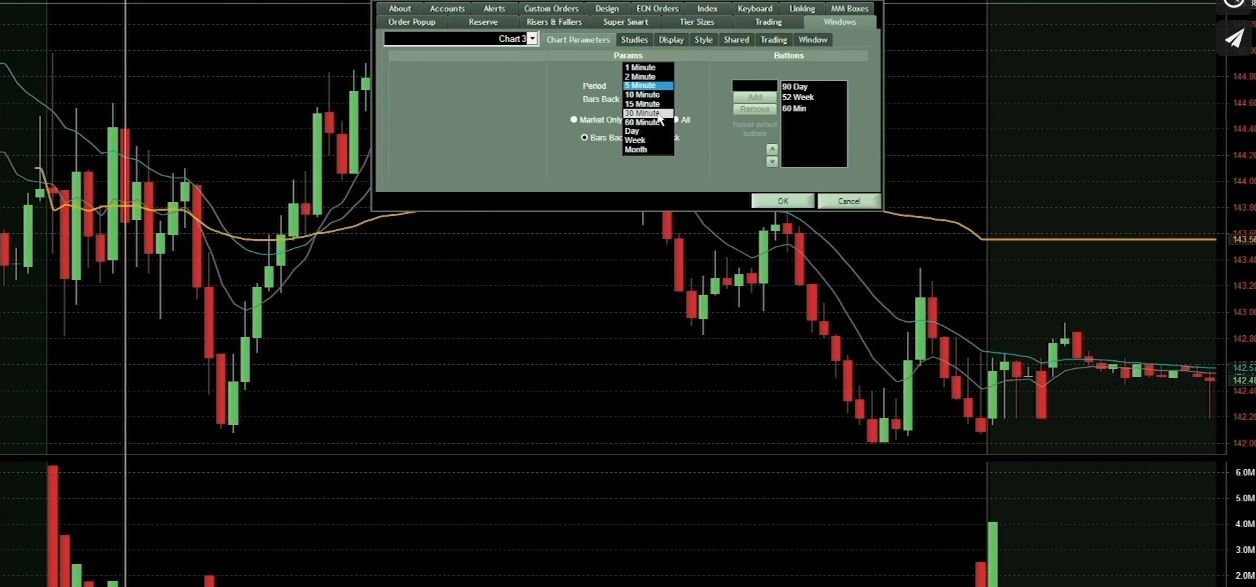
Popular Charting Timeframes
In this tutorial, you'll learn to identify and use some of your trading strategy's most popular charting timeframes.

Fundamental Analysis
We explain fundamental and technical analysis and dive into how traders use news headlines to find trading opportunities.
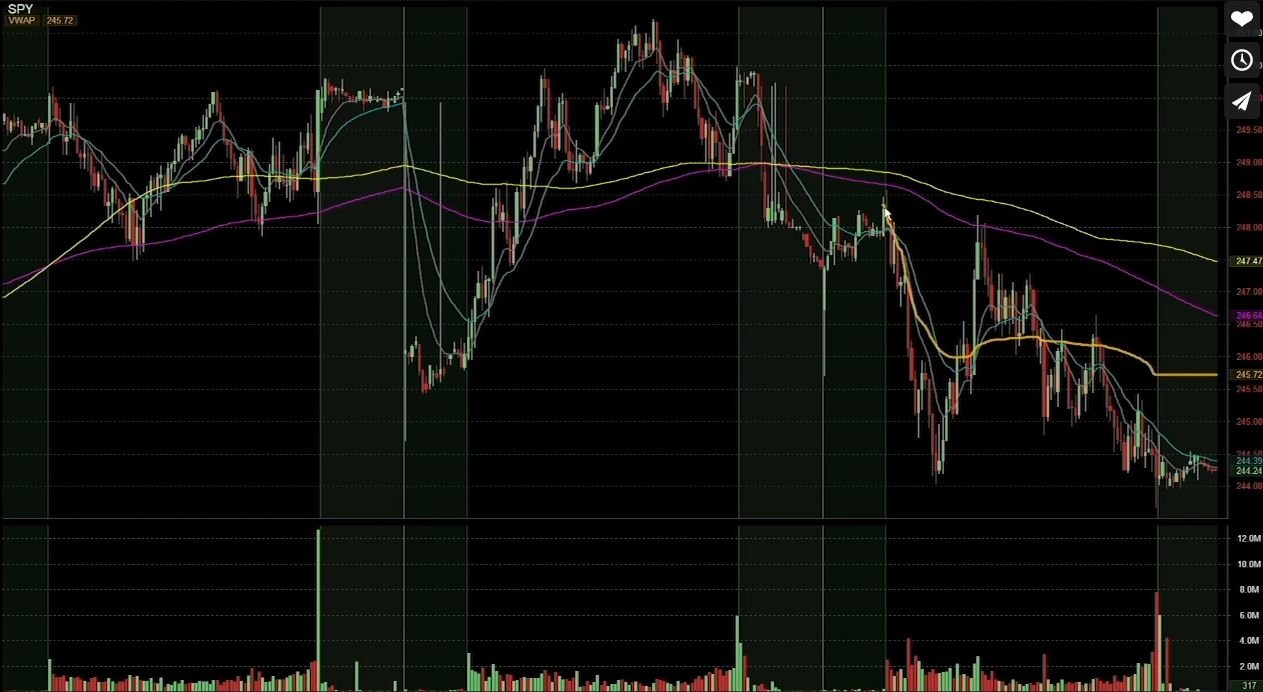
Volume Weighted Average Price (VWAP)
We'll explain how to use the volume-weighted average price and how it is different from a moving average.
Technical Analysis
Learn how technical analysis can be used for short-term trades and how to read charts.
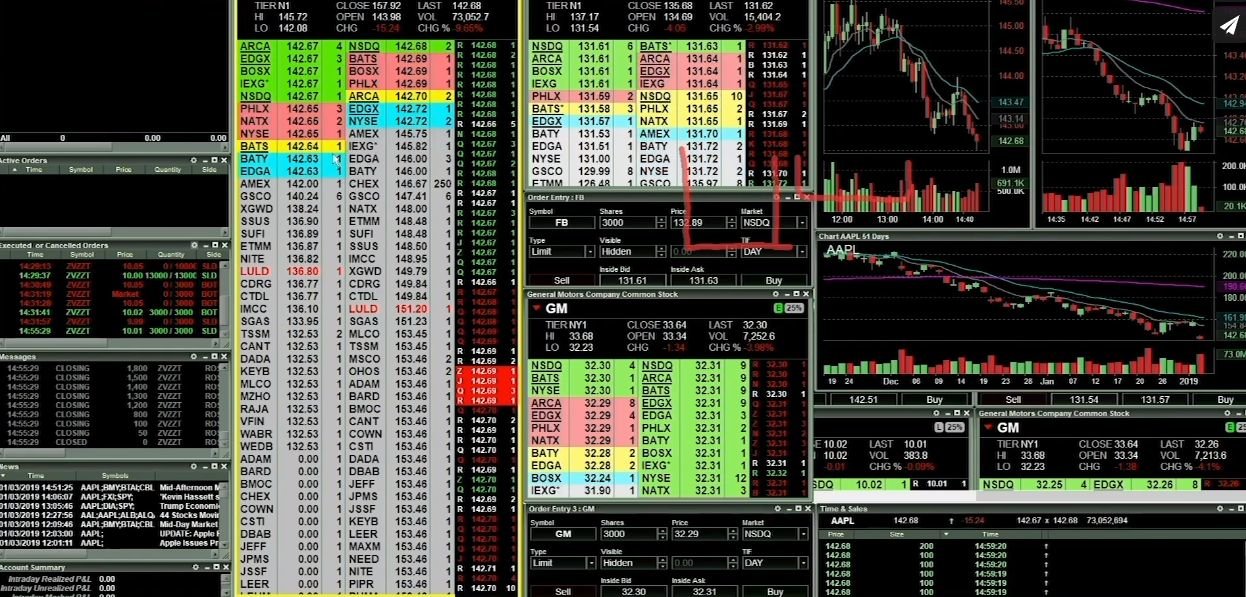
Level 2 Market Data
This tutorial will explain how traders use Level 2 market data to determine if a stock is bullish or bearish and more.
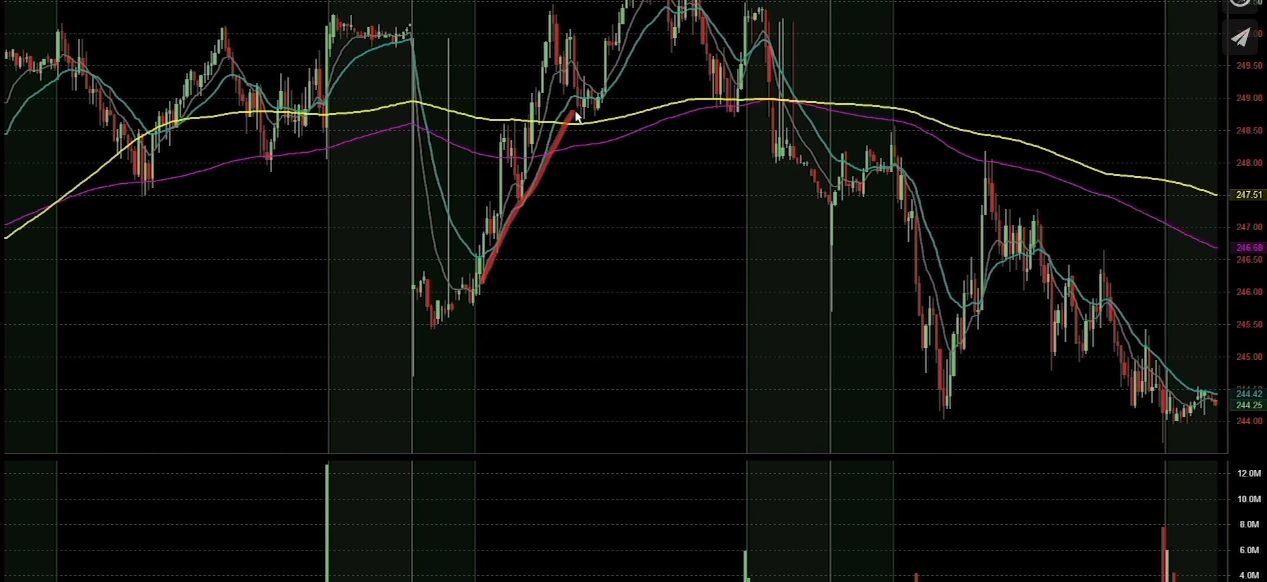
Simple and Exponential Moving Averages
This tutorial will discuss the differences between a simple and exponential moving average and how to use them.
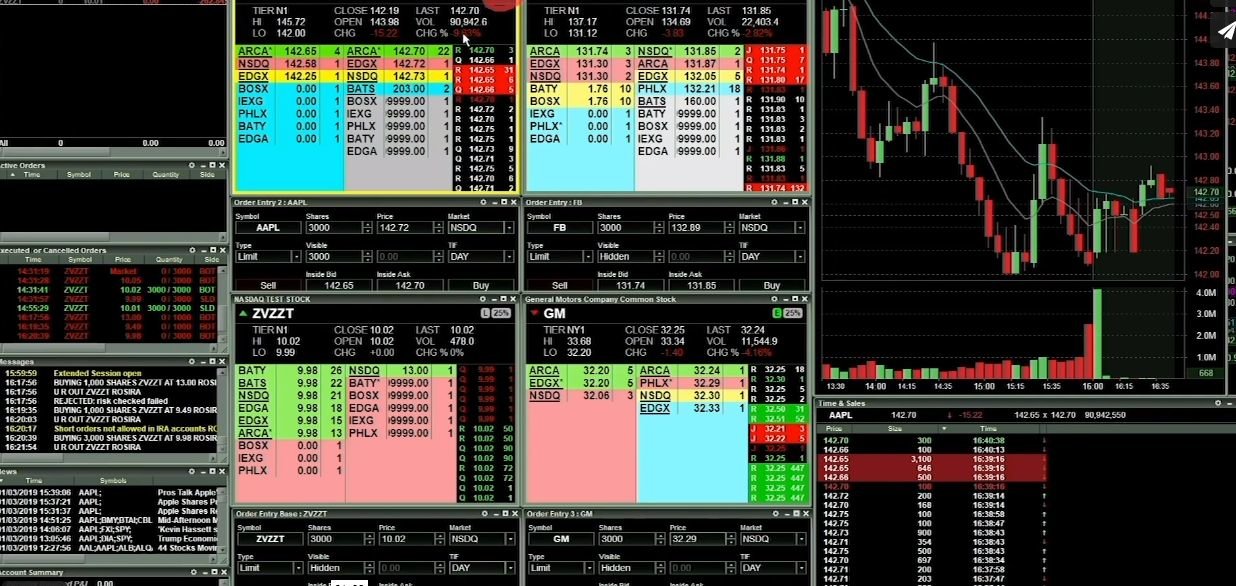
Is a Stock Marginable?
This tutorial will explain how to know if a stock is marginable and help you understand buying power and leverage.
What is Pattern Day Trader (PDT) Rule?
In this tutorial, you'll cover the rules for Pattern Day Trading and review some trade examples.
Margin Requirements
Learn the two basic requirements when trading with a broker; account minimums and required to maintain a position.

Level 1 Market Data
In this tutorial, we'll review the data for Level 1 market data including price, best bid, last price, amount of volume, and more.
Stock Halts
This tutorial will discuss why a stock may be halted for trading and what you may expect.
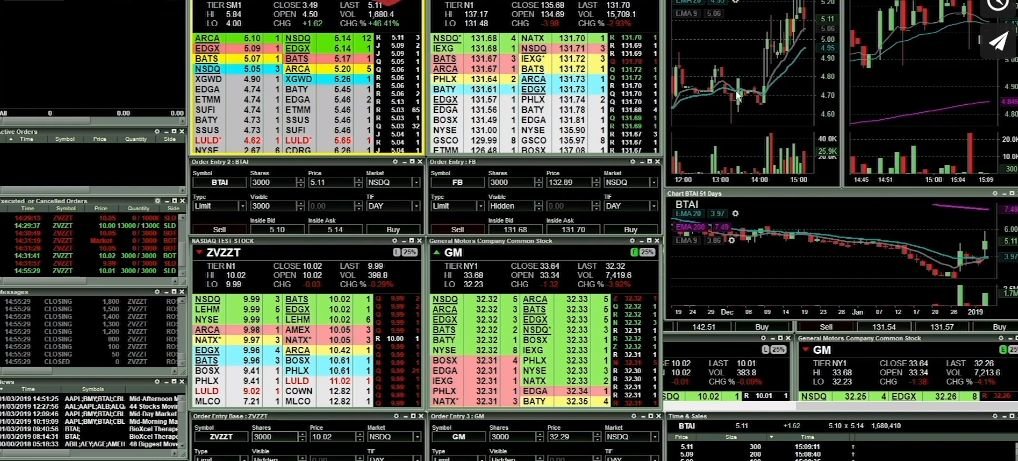
Short Sale Restriction (SSR)
This tutorial will explain the Short Sale Restriction (SSR) rule and take you through some trading examples.
Trading platform tutorials
Lightspeed Trader
Watch more videos to learn trading fundamentals and advanced concepts.
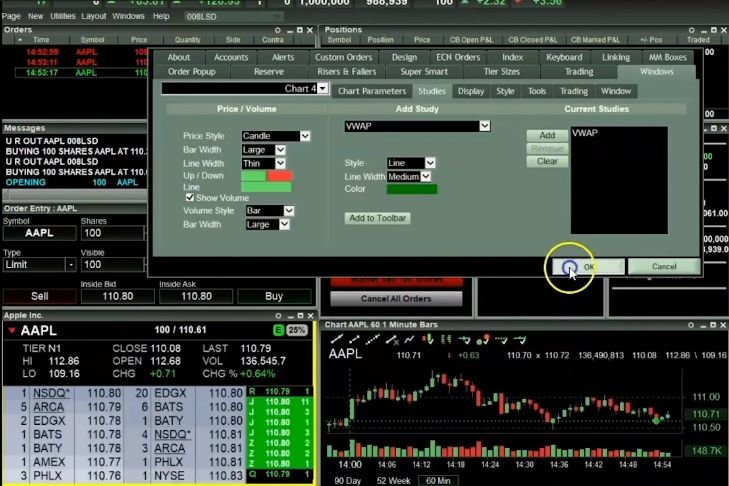
Charting Window Basics
Learn how to take advantage of the charting tools, customize the toolbar, execute orders, positions, and more.
Level 2 Window Basics
Learn the basics of the Level 2 windows and features and functions within the trading platform.
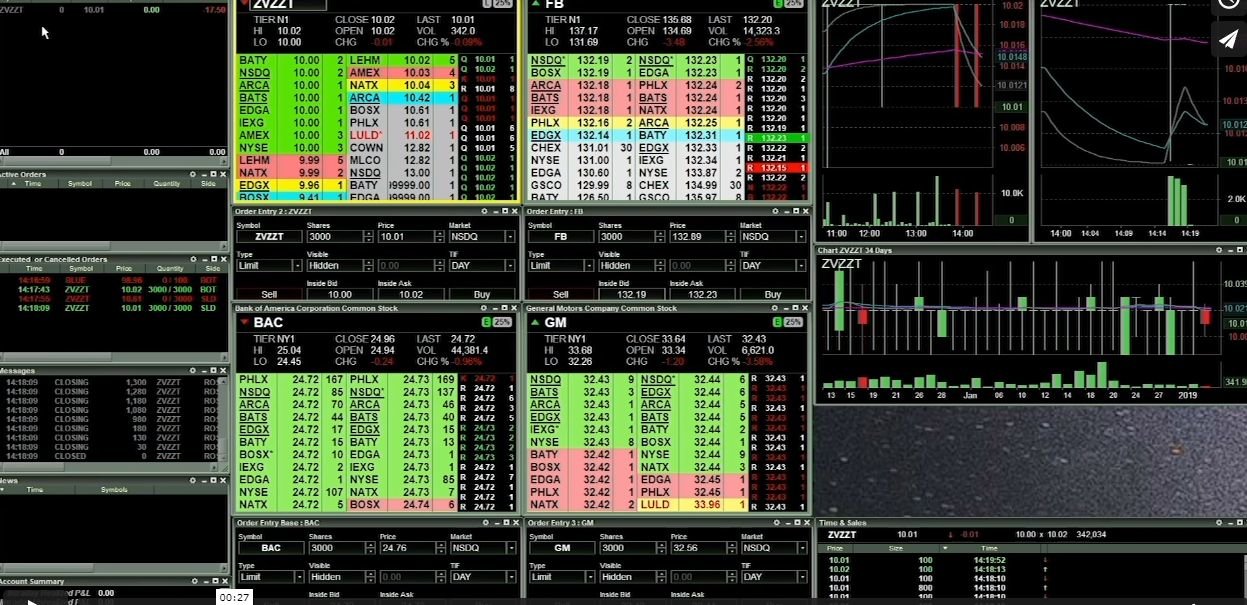
Positions Window
This tutorial will demonstrate the positions window within the trading platform and review how to read the data.
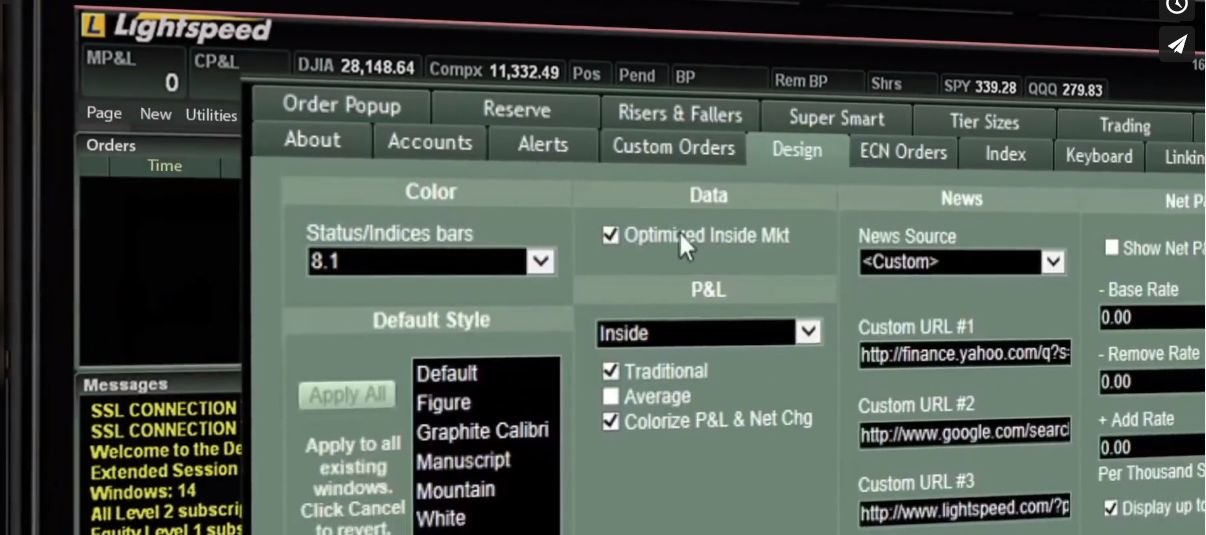
Custom Orders into Hot Buttons
Learn how to convert custom orders into Hot Buttons in a few short steps for quick order entry.
Upcoming webinars
Build your confidence and improve your skills
Trade stock, options and futures
Lightspeed offers active and professional traders with highly accurate market data and executions with many order routing destinations.
What you need to know
Your account
Learn the basics about your Lightspeed Trader account.

Account types
In this tutorial, we discuss the differences between margin, cash, and retirement accounts.

Lightspeed Financial Services Group LLC is not affiliated with these third-party market commentators/educators or service providers. Data, information, and material (“Content”) are provided for informational and educational purposes only. This content neither is, nor should be construed as an offer, solicitation, or recommendation to buy or sell any securities or contracts. Any investment decisions made by the user through the use of such content is solely based on the user's independent analysis taking into consideration your financial circumstances, investment objectives, and risk tolerance. Lightspeed Financial Services Group LLC does not endorse, offer or recommend any of the services or commentary provided by any of the market commentators/educators or service providers, and any information used to execute any trading strategies are solely based on the independent analysis of the user.
Stay up-to-date
Get the latest news and promos
